
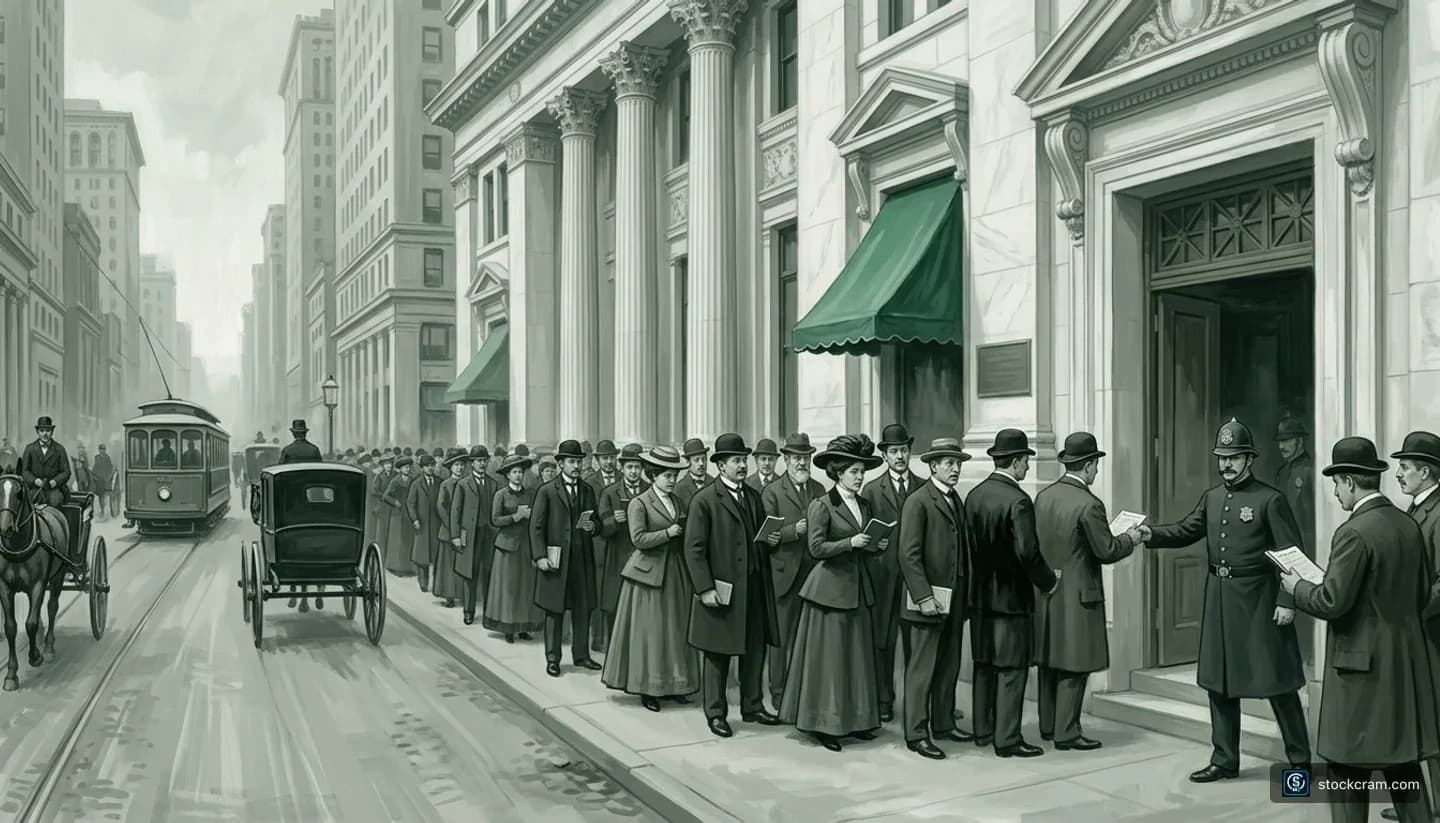
 1905–1909Lesson kit
1907: The Bank Panic
Banks are failing and cash is running out. Decide what you would have done with your stocks.
7-minute game30-minute lesson
Economics, US History: the Progressive Era, Government: the Federal Reserve
Market Rewind for teachers
Students replay a real crash with $10,000 in pretend money, seeing only each day's news. Each game takes 6 to 7 minutes to play, and each stock market lesson plan fits one class period, with a printable worksheet. Answer keys open for teachers who sign in.
6 games, each with a lesson kit
1905–1909Lesson kitBanks are failing and cash is running out. Decide what you would have done with your stocks.
7-minute game30-minute lesson
Economics, US History: the Progressive Era, Government: the Federal Reserve
 1929–1954Lesson kit
Black Tuesday was not the bottom. Decide what you would have done over the next 25 years.
7-minute game30-minute lesson
Economics, US History: the Great Depression, Canadian History: the Great Depression
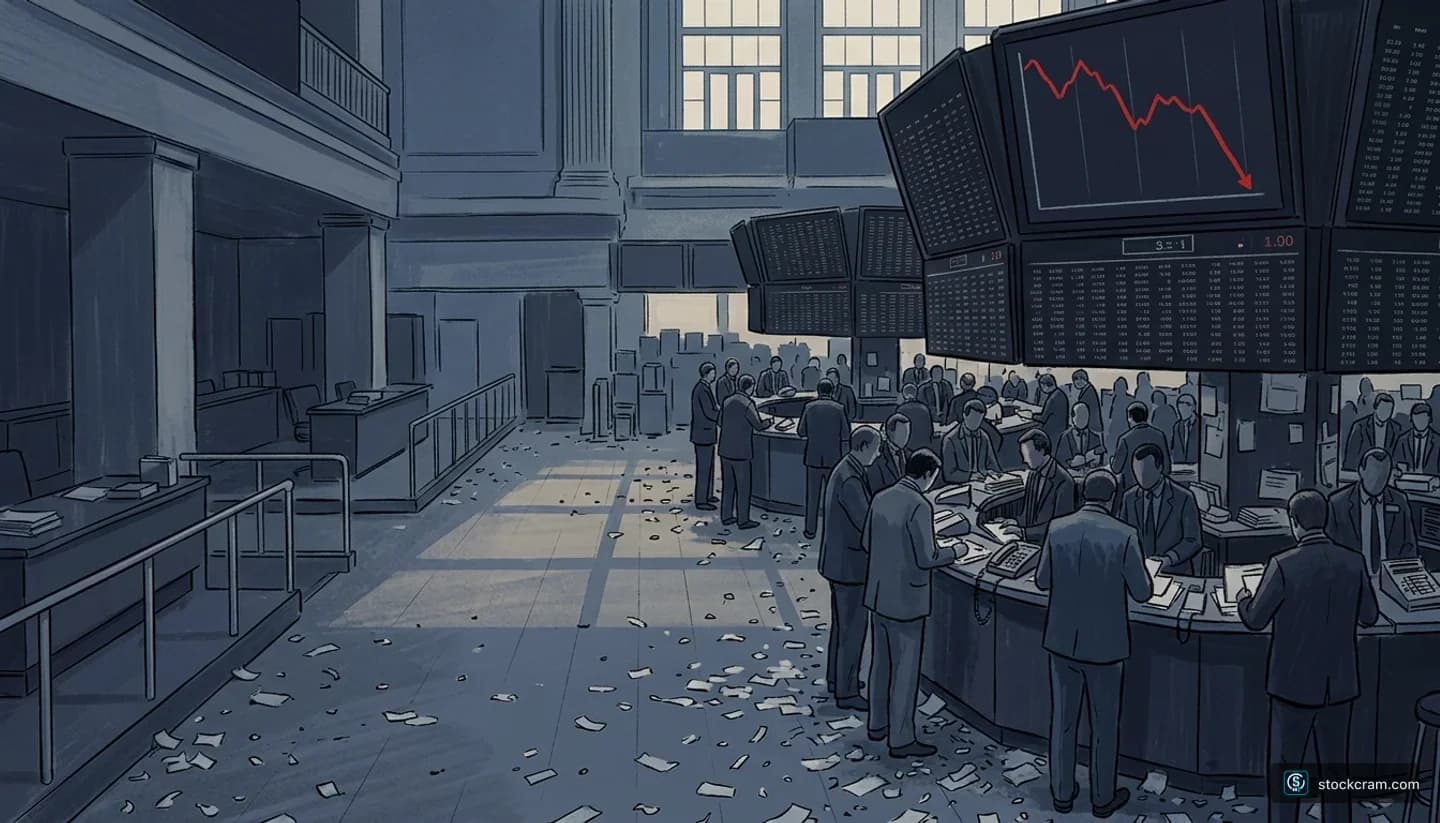 1987–1989Lesson kit
The S&P 500 fell 20% in one day. Decide what you would have done.
6-minute game30-minute lesson
Economics, Personal finance, US History: the 1980s
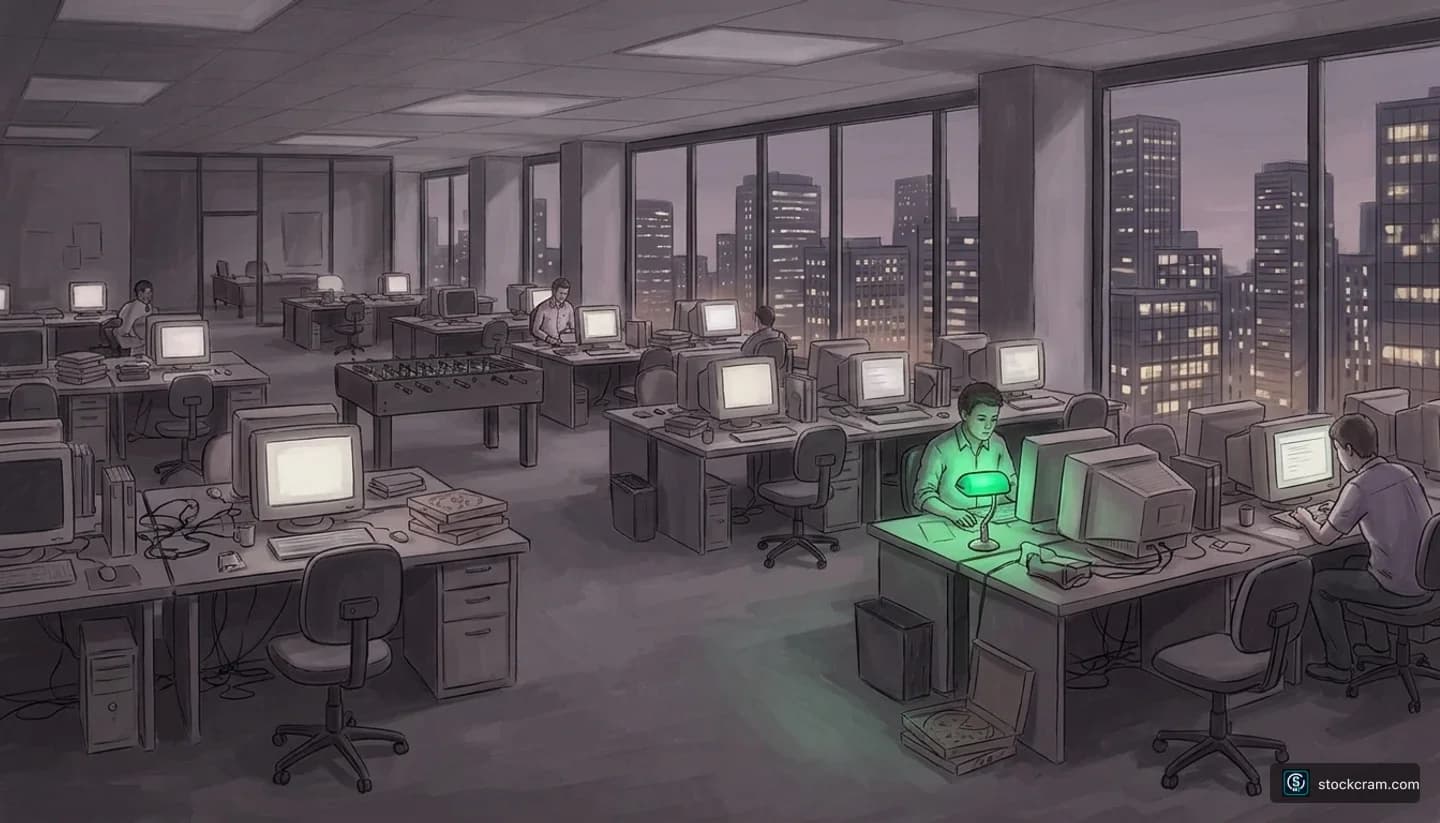 1996–2002Lesson kit
The Nasdaq nearly quadrupled, then fell 78%. Decide what you would have done.
6-minute game30-minute lesson
Economics, Personal finance, US History: the 1990s and 2000s
 2007–2009Lesson kit
The S&P 500 fell 57% in 17 months. Decide what you would have done.
7-minute game30-minute lesson
Economics, Personal finance, US History: the 2000s
 2020Lesson kit
The S&P 500 fell 34% in 23 trading days. Decide what you would have done.
7-minute game30-minute lesson
Economics, Personal finance, US History: the 2020s
Play once before class. "Skip to the end" shows the result screen students will see.
Each game has one: share the game to Google Classroom or your LMS, show the QR code, and print the worksheet.
Each student plays on their own device and answers the worksheet at each stop. One screen? Project it and let the class vote.
Finish with the discussion questions and the exit ticket in the lesson plan.
Free, for teachers. Tell us where you teach and every answer key opens. One email when a new game and kit is ready. Students never need an account.
Creates a free account (16+)
Students play without an account, a name or an email address. Here is what the game collects and where it goes.
Some school filters block sites they have not seen before. Your IT team can allow stockcram.com and images.stockcram.com; the game needs no video site, plugin or download. If that does not work, tell us which filter your school uses.
Yes. The game, the lesson plans and the worksheets are free for classroom use, with no account. Answer keys are free too, for teachers: sign in with Google and tell us where you teach. Game pages carry no ads or affiliate links, and there is nothing to buy.
No. Students open the link and play. The game asks for no names or email, and without an account a student's runs are not saved on our servers.
The lesson plans are written for grades 9 to 12 (ages 14 to 18), for economics, personal finance and history classes. Each lesson fits one class period.
No. It is a history lesson with pretend money. It shows how the choices a student made would have played out during one stretch of history. It gives no rule for when to buy or sell. Past performance does not indicate future results.
The lesson plans and worksheets are CC BY-NC 4.0: free to copy and share with credit to StockCram (stockcram.com), not for sale. Used a lesson in class, or want one for another unit? Tell us how it went.
Educational simulation only. Historical data is shown for teaching purposes; past performance does not indicate future results. StockCram is not a broker-dealer, investment adviser, or financial institution.